Communicating Glimmerstalker Intent
Today was all about getting the Glimmerstalker to actually telegraph and communicate its state to the Player. As it currently stood, the only way you could tell what the Glimmerstalker was doing was to look at the debug panel. We don't really want Players to do that, so we needed to add more pizzaz to everything.
We only have one week left of the jam, so we really need to wrap these types of things up!
Wiring up the Stalking Icon
One of the biggest things missing for the Player was the Stalking icon wasn't actually connected to anything. It was always just showing on the screen. Not very helpful!
All of the infrastructure was already there in both the Player and the Glimmerstalker and was mostly there with the icon display itself. It was pretty simple to replicate a similar interface to how we do the Crew icon tray to show and hide the icon, then wire it up.
That was working great, but we still wanted to have it do something different when the Glimmerstalker enters the Attack state. We had previously discussed doing a simple pulse, since it would be easy to do and gets the message across. Here it is in action!
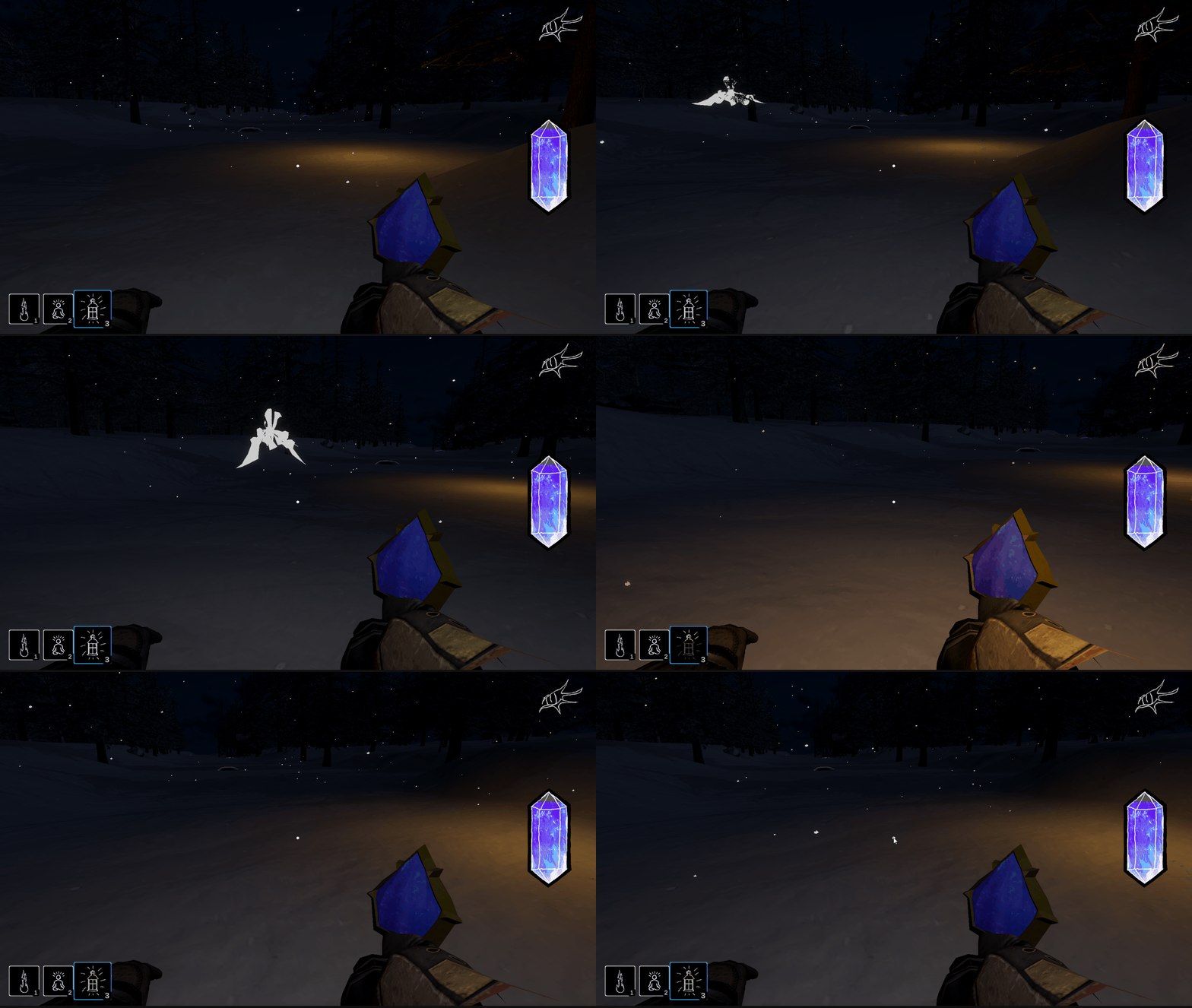
Once I had the premise down, I was able to extend that to the Crew icons to make them pulse as well.
Overall, I think it will do the job just fine.
The Glimmerstalker Flash Effect for the Crew
Now that we could properly communicate the Stalking and Attacking states, I needed to figure out how I was going to the implement the flash when the Glimmerstalker attacks the Crew. Would I just show the same overlay that is shown when the Player gets attacked? Should I do something else?
I was talking with Terra about it and she wasn't too keen on re-using the Player flash, since it would be weird if one of the Crew died quite a ways away and you still got completely flashed. I agreed that it would be weird and I put my thinking cap on.
When I was trying to figure out the original Player flash, I had looked around for tutorials for implementing flashbang grenades in Unity, since what I wanted to do was similar. I found this tutorial by ɢᴀᴍᴇ-ᴅᴇᴠ, ᴛʜᴇ ɪɴᴅɪᴇ ᴡᴀʏ but it looked way more involved than I wanted at the time, so I ended up just skimming through it. However, one thing stuck out to me from it, which was using an incredibly bright light as the basis for the flash.
I decided to try that out. I added a very bright light to the Glimmerstalker prefab and added some logic to enable it. I configured it to do the same fade as the flash overlay to try and match the look. Here is a sneak peek at what the final result looks like.
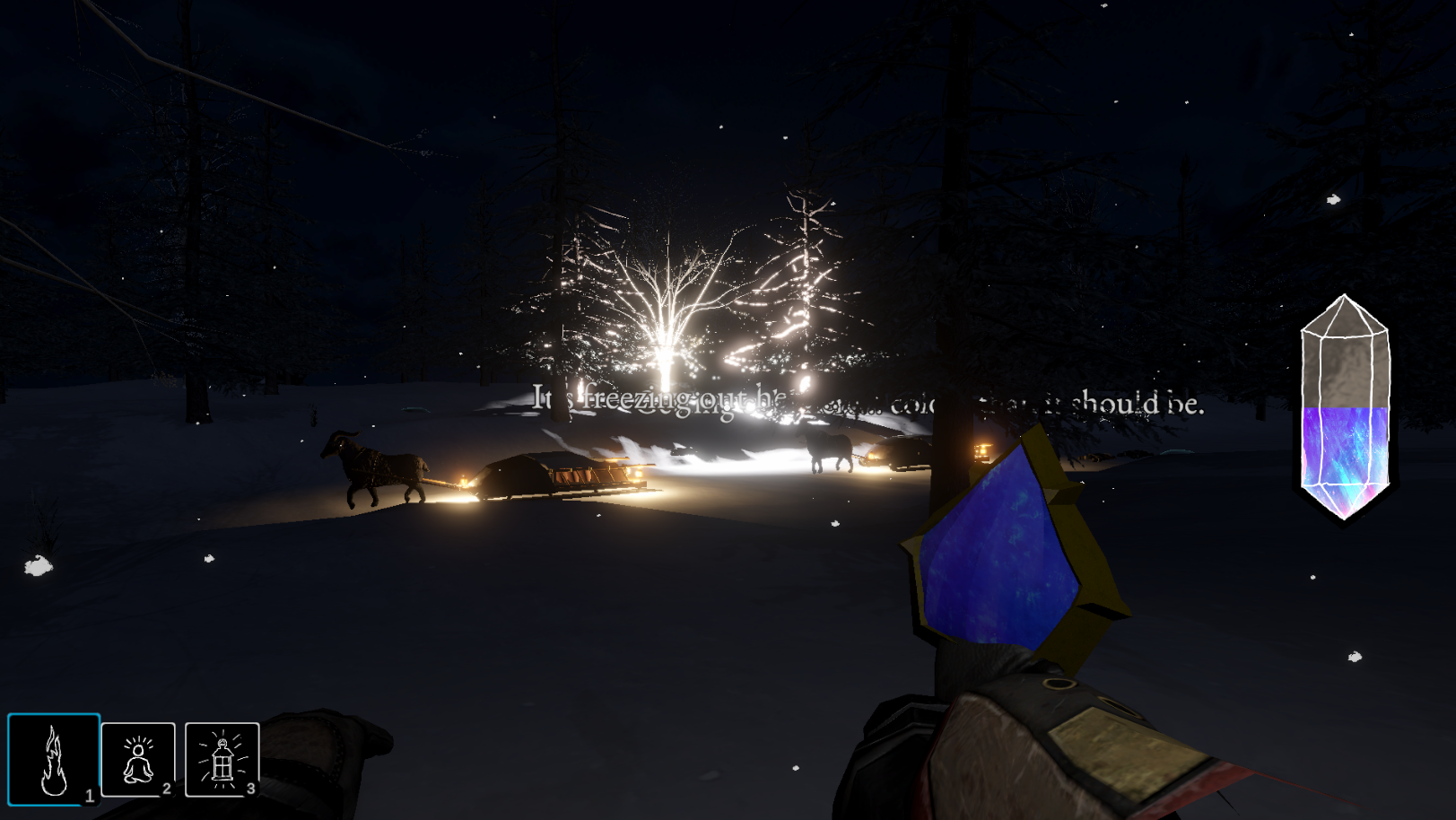
Initially, I had the fade timings set identical to the flash overlay but that made it have a weird falloff to the light. It would stay "fully lit" for too long then suddenly drop off too quickly. The gif below shows two instances of the flash: one while looking directly at it and the other when it is in the periphery.
It feels like the flash stays too long then disappears too quickly. I did really like the "blow out" effect that the light caused though. It just seemed like it was overstaying its welcome a bit. I realized that I would have to time things differently between the two types of flashes. The overlay style had a very linear curve to fade between fully "lit" and transparent. It was simply scaling the alpha value of the CanvasGroup. However, the light was a bit different. For one, light doesn't have the same linear falloff and two, because the light intensity is set so high, it actually takes quite a bit of time to get to where the light isn't ridiculously bright during the fade.
I toned down the light and removed the "stay" time, so it would immediately start fading. While it didn't quite have the same white-out effect, it was still more than adequate and I actually ended up liking it better. Unfortunately, I don't have a recording of the new one up close. I was following a Crew member that broke to get it, when I heard the screech. I turned around and saw a different Crew member be attacked from afar. I was wondering why the Stalked icon wasn't showing up on the Crew member I was following and now I know!
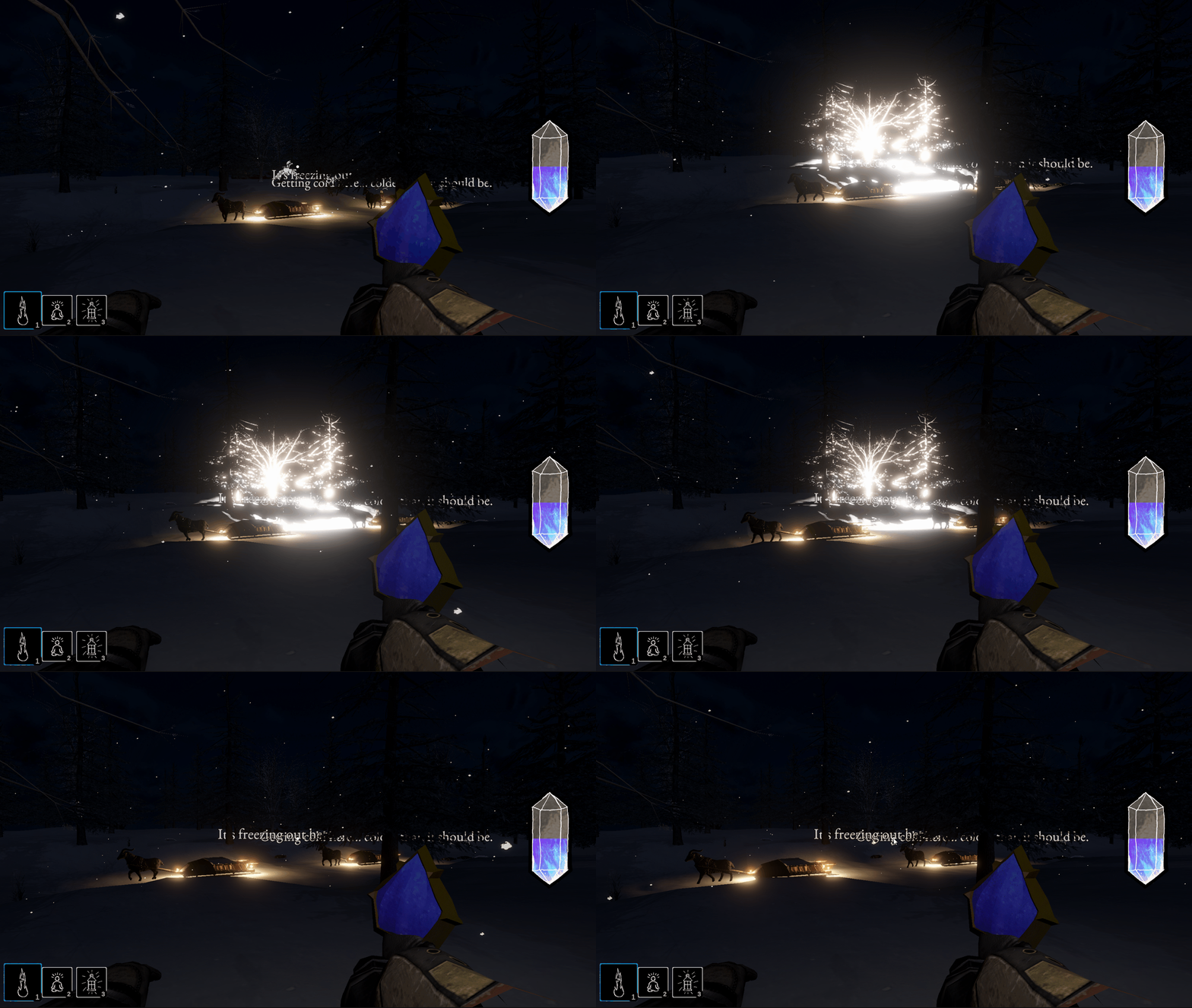
I'm sure there is a lot of tweaking that can be done on the timing and initial intensity values but I am happy with it for now. With that completed, all I had left for the Glimmerstalker was to get the feather rustle/flutter and particle effects for when the Glimmerstalker encounters the light and flees. That is tomorrow's task though.